
Bespoke Bride's Free Wedding Tools
Everything from the ring to the last dance: budgets, guest lists, seating charts, save the dates, printables, a QR seat finder and games for the reception. Open a tool, fill it in, then print it or send it to your partner. No account, no catch. Just the planning bits we wish every couple had.
From the Bespoke Bride team, helping couples plan weddings that feel like them since 2011.
Every free tool, from yes to the last dance
Grouped by planning stage. Pick where you are and dive in.
Rings & engagement
Where it all starts.
Ring Size Calculator & Style FinderNewYour size in 8 systems, plus the shapes and metals that suit your hands. →Budget & money
Know where every dollar goes before the deposits start.
Wedding Budget CalculatorPopularYour total and guest count, split across venue, food, photos and more. → Who Pays for What CalculatorNewSplit costs between the couple and both families, then see who owes whom. → Wedding Budget PlannerNewPlan spending month by month and see what's paid, due and left. → Wedding Budget SpreadsheetFree Excel and Google Sheets template for quotes, deposits and due dates. → Wedding Alcohol CalculatorHow much beer, wine, liquor and ice to buy, with a shopping list. →Guests & seating
From the first invite to the last escort card.
Guest List & RSVP TrackerEvery household, RSVP, meal and dietary need, plus clean mailing addresses. → Seating Chart MakerPopularDrag-and-drop floor plan, then print the poster, table numbers and escort cards. → TableTap QR Seat FinderNewGuests scan a QR code, type their name and find their table in seconds. →Plan & style the day
What to do when, how the day runs and how it all looks.
Wedding Planning ChecklistA month-by-month to-do list built from your wedding date. → Wedding Day Timeline GeneratorEnter your ceremony time and get the whole day, ready for vendors. → Wedding CountdownNewA pretty live countdown to your big day to share or save to your phone. → Wedding Color Palette GeneratorA colour scheme for flowers, outfits, stationery and decor. →Invites & stationery
Save the dates, the right words and everything you print.
Free Wedding WebsiteNewOne-page wedding websites with a dancing couple. Preview the themes now. → Save-the-Date MakerNewDesign a save-the-date and download it to print or send by text. → Wedding Wording GeneratorNewInvitation, RSVP, sign and thank-you wording in your tone. → Wedding Printables GeneratorNewWelcome signs, menus, table numbers and favour tags with your names. →On the wedding day
Messages, games and every photo your guests take.
Wedding Video GuestbookNewGuests scan a QR code and record a video message on their phone. → Live Wedding Polls & GamesNewCouple trivia on guests' phones, results on the big screen. → Free Digital Wedding AlbumNewGuests upload full-quality photos straight to your own Dropbox. →Games & printables
Personalised games that get the whole room playing.
All Wedding GamesNewGame makers plus 25+ printables for the reception, shower and hen do. → Wedding Crossword MakerA printable crossword about your love story. → Wedding Word Search MakerHide your names, venue and wedding party in a puzzle. → Wedding Bingo CardsA unique bingo card for every guest, ready to print. → The Wedding Shoe GameQuestions plus colourful printable paddles. →All 25 tools are free, work on your phone and never ask for an account. Many share your details, so you only type your names and guest list once.
Got an idea for a tool? Tell us →Plan your wedding in this order
Seven steps, one tool to start each. Use them in the same browser and your names, guests and tables carry over from one tool to the next.
Set the budget
Your total, who's paying and where every dollar goes.
Budget Calculator → 2Build the guest list
Households, RSVPs, meals and mailing addresses in one list.
Guest List & RSVPs → 3Send save the dates
A matching design, the right wording and a countdown to share.
Save-the-Date Maker → 4Plan the day
Your checklist, timeline, colours and bar shopping list.
Planning Checklist → 5Seat everyone
Drag guests onto tables, then turn the plan into a QR code.
Seating Chart Maker → 6Print it all
Table numbers, place cards, menus and signs from your seating chart.
Printables Generator → 7Enjoy the day
QR seat finder, video guestbook, live polls and the photo album.
TableTap QR Seat Finder →The tools couples love most
A closer look at our newest favourites, from the ring to the reception.
Ring Size Calculator & Ring Style Finder
Find your ring size in US, UK, EU, Australian, Japanese and Indian sizes, fine-tune it for band width and knuckles, then see which stone shapes, band widths and metals flatter your hands. Planning a surprise? Send your partner a secret ring hint.
Wedding Video Guestbook
Swap the pen for a camera. Guests scan a QR code at their table and record a short video message for you on their own phone. No app, no booth to rent, and every message lands in your private gallery to keep forever.
TableTap QR Seat Finder
No more crowd around the seating board. Guests scan one QR code at the entrance, type their name and see their table, who they’re sitting with and where it is in the room. It understands nicknames and typos, and your guest list never touches our server.
Live Wedding Polls & Reception Games
Couple trivia, “who’s more likely to”, a newlywed advice wall and a live word cloud. Guests scan the QR code on their table and vote on their phones, results pop up on the big screen, and a leaderboard shows which table knows you best.
Wedding Games: Make Your Own & Print
Build a crossword about your love story, unique bingo cards for every guest, a word search with your wedding party's names or the shoe game with colourful paddles. Plus 25+ free printables for the reception, bridal shower, hen do and kids' table.
Free Digital Wedding Album
Every photo your guests take, in one place. Put a QR code on each table, guests scan it and upload straight from their phones, and the photos land in full quality in your own free Dropbox. We design the table cards, welcome sign and photo challenge cards for you.
Free Wedding Website
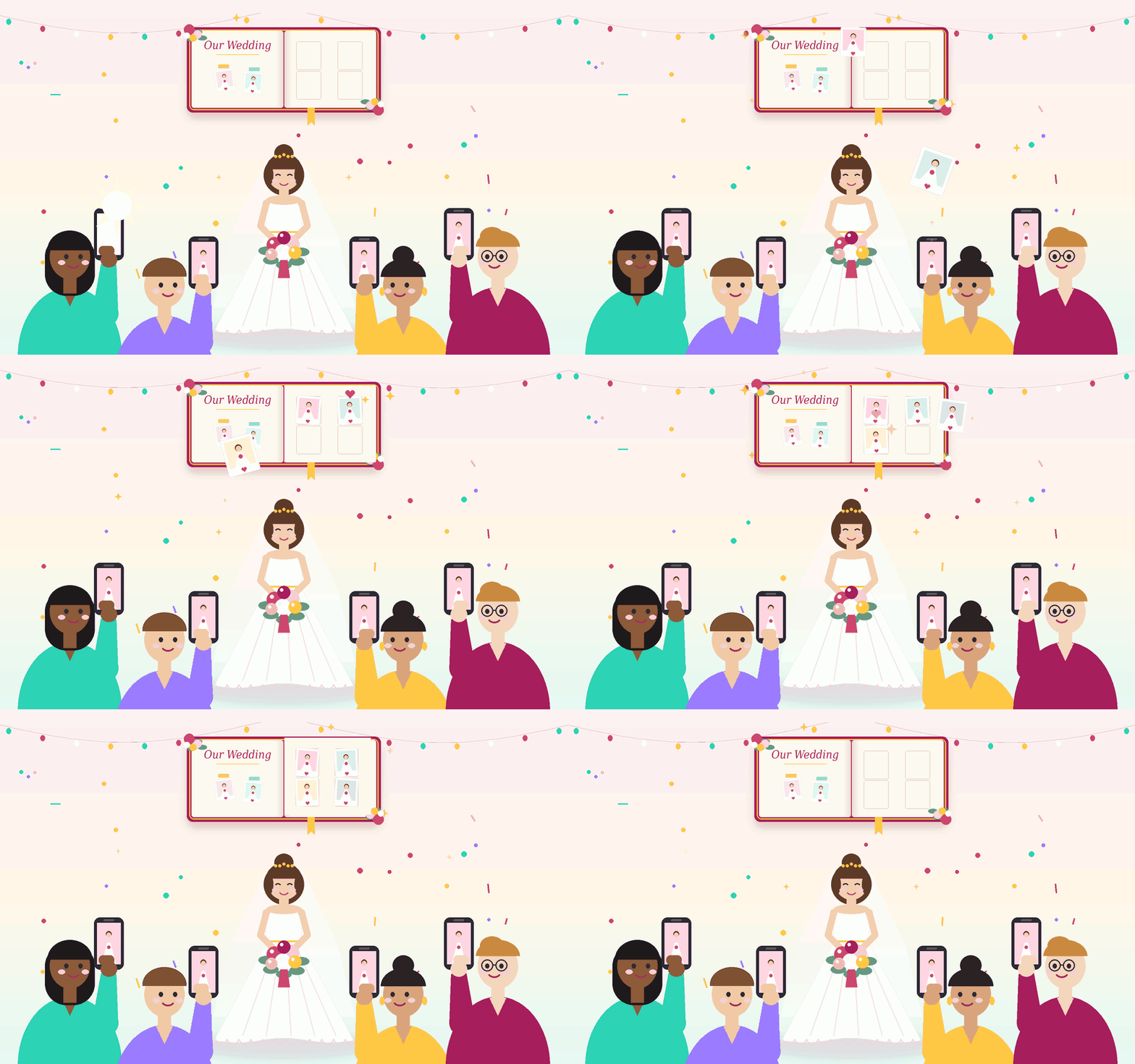
A one-page wedding website where the two of you are the stars. Your illustrated couple twirls across the screen while confetti falls or fireworks light up the sky, with your story, schedule, travel, RSVP, FAQ and registry all in one link.
Why couples use our tools
No account, ever
Open a tool and start typing. No password and no app to download.
Made by wedding people
Built on 15 years of real weddings, vendor know-how and the lessons couples learned the hard way.
Print it, share it, keep it
Send your plan to your partner, your mum or your planner, or print a clean copy for the fridge.
Want a little more help?
When a free tool isn't quite enough.
Digital wedding invitations
Animated invitations designed for you, ready to send.
See the designs →Our wedding planning service
Personal planning support from the Bespoke Bride team.
Find out more →A custom wedding song
A one-of-a-kind song about your love story.
Hear how it works →The Wedding Directory
Hand-picked vendors who love an out-of-the-box wedding.
Browse vendors →Free wedding tools FAQ
Are the Bespoke Bride wedding tools really free?
Yes. Every tool on this page is free, with no trial period and nothing locked behind a paywall. For downloadable templates like the budget spreadsheet, we just ask for your email.
Do I need to create an account?
No. Open any tool and start planning straight away. You'll never be asked to create an account or a password.
Which tool should I start with?
Start with the budget calculator. Once you know your total and rough guest count, every other decision gets easier. Then build your guest list, send your save the dates, plan the day with the checklist and timeline, seat everyone with the seating chart maker, print your stationery with the printables generator, and finish with the QR seat finder, video guestbook and live polls for the day itself.
How many free wedding tools are there?
There are 25 free tools in seven planning stages: rings and engagement, budget and money, guests and seating, planning and style, invitations and stationery, the wedding day itself, and games and printables. All of them are live, work on your phone and never ask for an account.
Can guests find their table with a QR code?
Yes. Our free TableTap QR Seat Finder turns your seating plan into a QR code sign. Guests scan it with their phone camera, type their name and see their table, who they're sitting with and where it is on your floor plan. It understands nicknames and typos, works without an app or account, and your guest list stays inside the link or in your own Google Sheet, never on our server. Bring in your tables in one click from the Seating Chart Maker, then print the sign at 5x7, 8x10 or poster size.
Can I make my own save the dates for free?
Yes. Our free Save-the-Date Maker has 8 designs, from Peony Garden to Winter Wonderland, each in 3 colour palettes. Add your names, date, venue and an optional photo or illustrated couple, then download a print-ready 5x7 or A6 card, a phone-size image to send by text, or a square for Instagram. You can add a QR code to your wedding website and a calendar link, with no sign-up and no watermark.
How do I word our wedding invitations?
Use our free Wedding Wording Generator. Pick what you're writing (save the date, invitation, evening invitation, RSVP card, details card, signs or thank-you notes), add your names and details, and choose a tone from formal to fun. You get three ready-to-use versions in US or UK style, with the right wording for whoever is hosting, including divorced or late parents. Copy one, edit it right on the card, or send it straight to the Save-the-Date Maker.
Can I make my own wedding signs and place cards for free?
Yes. Our free Wedding Printables Generator makes a matching set of 14 printables from one design: a welcome sign, table numbers, place cards and food-choice place cards, menus, a bar menu, order of service, unplugged, cards and gifts, hashtag, guest book and in loving memory signs, a reserved sign and favour tags. Add your names once, bring in your tables and guests from our seating chart maker, then download home-print sheets on US Letter or A4, or a print-shop PDF with bleed and crop marks. There's no sign-up and no watermark.
Do you have free tools for the wedding day itself?
Yes. Our free wedding video guestbook gives you a QR code and a printable table sign. Guests scan it and record a short video message on their own phone, with no app, and you watch and download every message from a private gallery link. For the reception, our free live wedding polls let guests play couple trivia and polls on their phones while the results appear on the big screen.
Can guests share their wedding photos with us?
Yes. Our free digital wedding album turns a free Dropbox upload link into a QR code, with printable table cards, a welcome sign and photo challenge cards. Guests scan the code and upload photos from their phone with no app, and every photo arrives in full quality in your own Dropbox folder.
Do you have free wedding games?
Yes. Our wedding games page has free makers for a personalised wedding crossword, word search, bingo cards and the shoe game, plus more than 25 free printable games for the reception, bridal shower, hen do and kids' table. Everything prints with your names on it, with no account or watermark.
Can I make a free wedding website?
Yes. Our free wedding website themes give you a one-page site with an illustrated couple who dances across the screen, plus your story, schedule, travel details, RSVP, FAQ and registry links. Preview the First Dance and Starlight themes now and join the early access list to make yours.
How can I find my ring size at home?
Use our free ring size calculator. Measure the inside of a ring that already fits, wrap a paper strip around your finger, or use the printable ring sizer. You get your size in US, UK, EU, Australian, Japanese, Indian and Swiss sizes, plus the ring shapes and metals that suit your hands.
How do we split wedding costs between our families?
Use our Who Pays for What Calculator. Start from the traditional split, an even three-way split or paying it all yourselves, then change any cost and split shared costs equally, by percentage or by guest count. If someone has already paid a deposit, it shows the fewest transfers to settle up.
How do I make a countdown to our wedding day?
Use our free Wedding Countdown. Add your names and wedding date and you get a live countdown in days, hours, minutes and seconds that you can share, save to your phone or embed on your wedding website.
How do we keep track of wedding deposits and payment due dates?
Use our free Wedding Budget Planner. Add each vendor with its deposit, instalments and final payment, and the planner lays them out month by month with a running total. It flags overdue payments in red and anything due in the next 30 days in amber, and shows how much to set aside each month. You can also download every unpaid due date as calendar reminders. It even works with vendors who charge in another currency, at the exchange rate you lock in when you sign.
Can my tools talk to each other?
Yes. Keep your guest list in our RSVP tracker and the seating chart maker brings in everyone who said yes with one click. TableTap then turns that seating chart, floor plan included, into a QR code guests scan to find their table. Your live wedding polls pick up your names and seating chart tables too, and the printables generator fills your place cards and table numbers from your seating chart and your names and design from your save-the-date. The budget planner can bring in your families and amounts from the Who Pays calculator, and your checklist links to the right tool for each task, from the budget planner to the timeline generator.